
Guide
Geode Mod Menu Missing in Geometry Dash? The Fix Ladder
The game launched but the mods did not: work the ladder from launch method to framework setup until the menu returns.
CONTENTS On this page
You open the game, the game is just the game, and the mod menu is nowhere. This is the most reported Geode problem and the most fixable; work the ladder in order, as we do on the rack behind Geode APK.
Rung one: launch properly
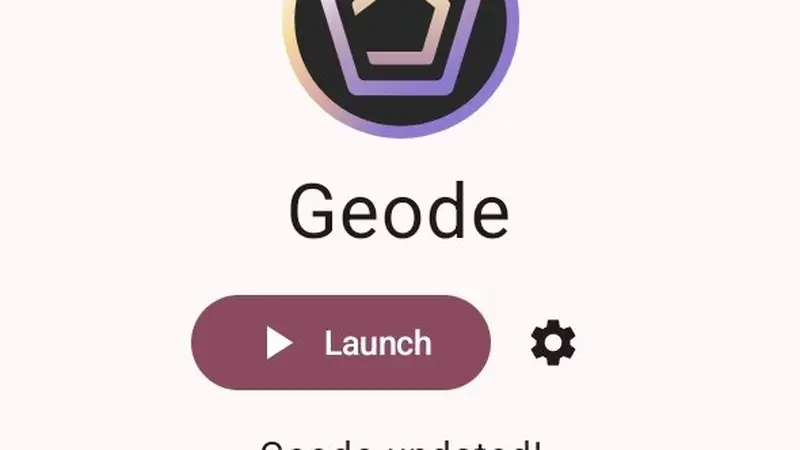
The framework loads when the launcher launches it. If you opened Geometry Dash from its own icon or a recents shortcut, close it and use the launcher's Launch button (or enable automatic launch in settings so it can never be forgotten).
Rung two: let setup finish
After installs and updates, the first launch does setup work. Interrupting it leaves a half-built framework and no menu. Reopen the launcher, tap Launch, and give the first boot its full, unhurried minute.
Rung three: version harmony
Update the game, update the launcher from this site, and let the framework's automatic updates run. A menu missing after a game update is the known rhythm; it returns when the framework catches up, and our update guide explains the timing. Work the ladder in order and the menu returns, as it does for every Geode APK install we have tested.
Keep driving
- How to Install Geode on Android: Game First, Launcher Second, Mods Third
- Surviving Update Day: When Geometry Dash or Geode Changes Under Your Mods
When you want it on your phone, the Geode download page has the verified file waiting.
Quick Answers
Why does launching from the game icon skip mods?
The framework is loaded by the launcher. The game on its own is the stock game.
I updated the game and lost the menu. Is my library gone?
No. Your mods wait for the framework update; the library survives intact.
Should I reinstall everything?
Only after the three rungs fail. Reinstall the launcher over the top; your mods live with the game, not the installer.